Dose, pill and contraction timers on your Lock Screen.
Splash puts your painkiller dose countdown, mini pill window and contraction timer on the iPhone Lock Screen and Dynamic Island, with neutral wording.
Live Activities on iPhone: a dose countdown, your mini pill window and a contraction timer.
When your next dose fits
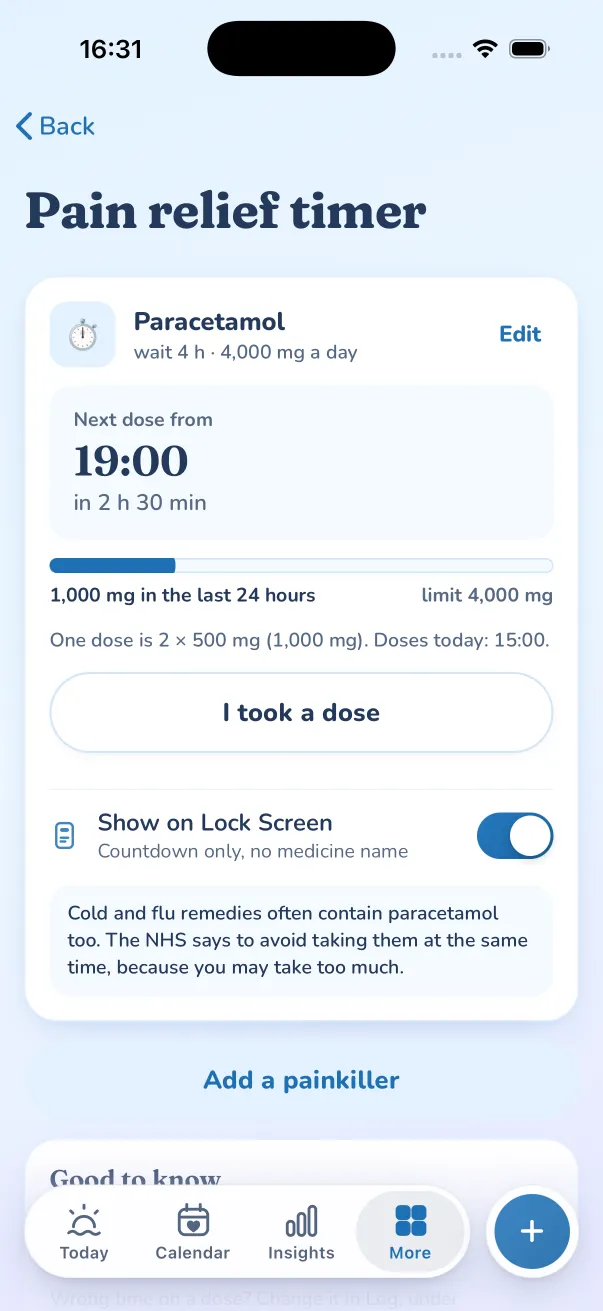
A countdown from your last painkiller to when the next one fits, on the Lock Screen and in the Dynamic Island. Medicine names never appear.
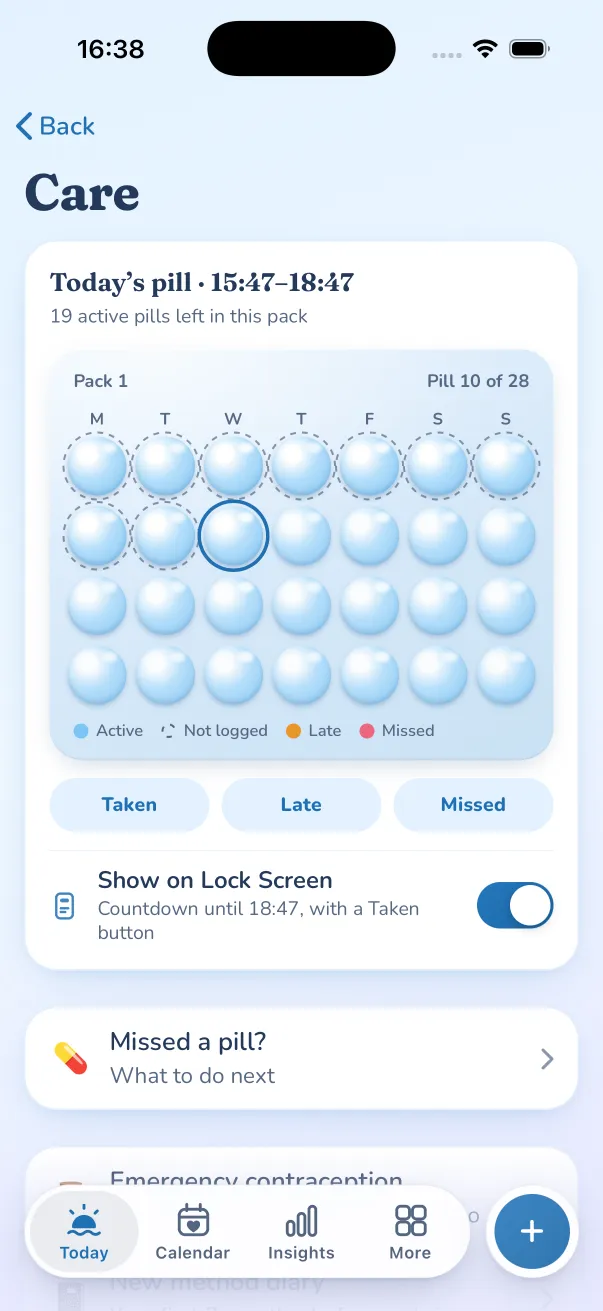
Your mini pill window, with Taken
See how long is left in the window and tap Taken from the Lock Screen.
Time contractions without unlocking
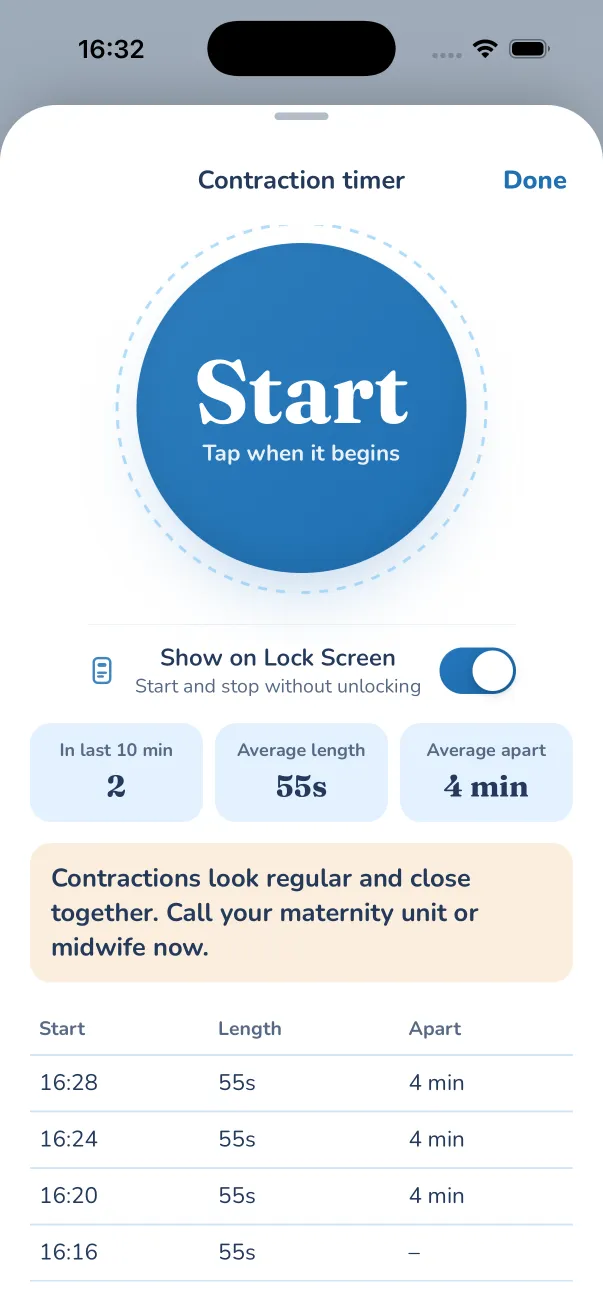
Start and Stop on the Lock Screen. When they are regular and close together, it says it is time to call your midwife or maternity unit.
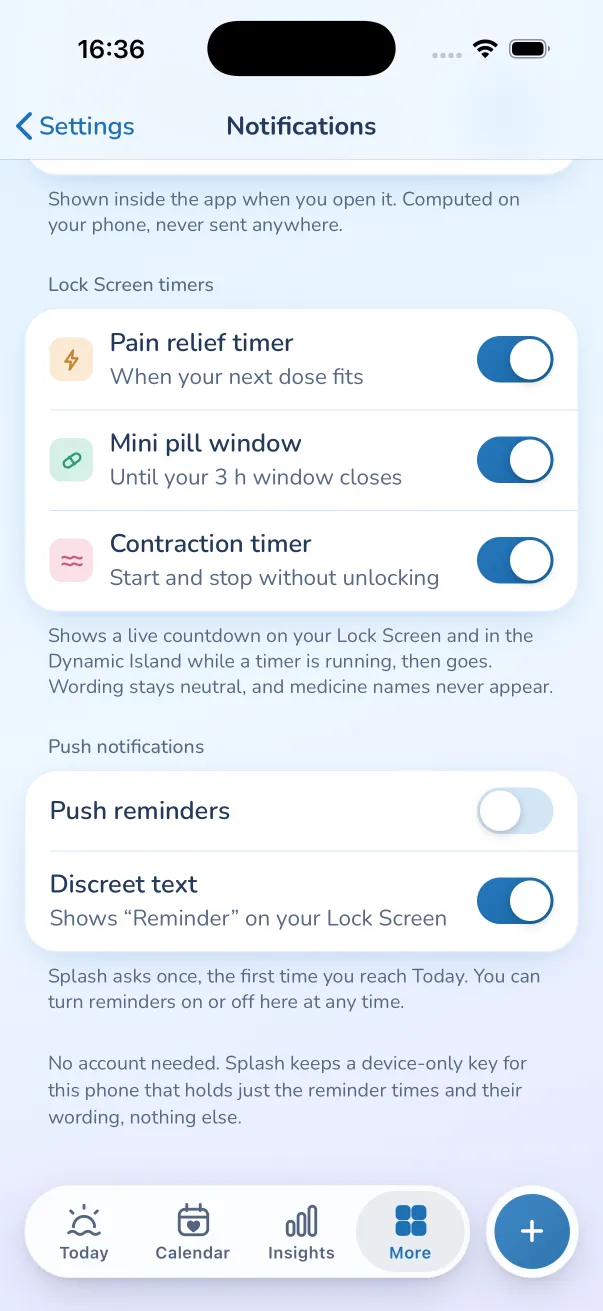
Off until you switch it on
Turn each timer on where you use it, or in Settings, Notifications. Wording stays neutral, and stays plainer still with discreet mode or a PIN.
What it looks like on your iPhone.
In the Splash app for iPhone, a running timer can sit on your Lock Screen and in the Dynamic Island, then go when it is done. You switch it on, per timer.
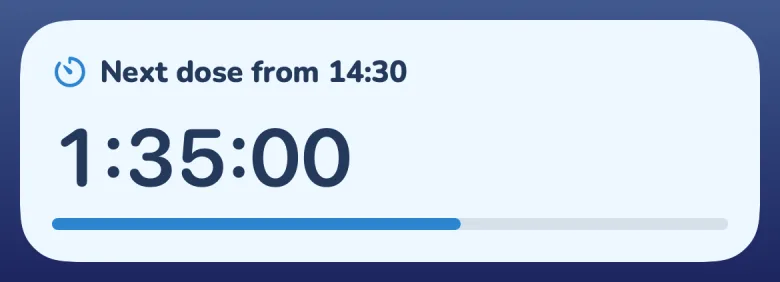
Pain relief
When your next dose fits, counting down. The medicine name never appears.
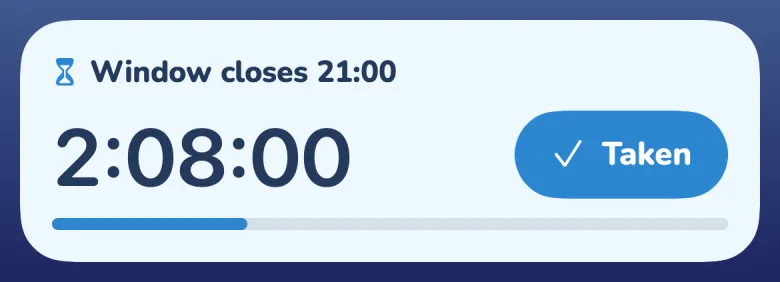
Mini pill window
How long is left in your 3-hour window, with a Taken button.
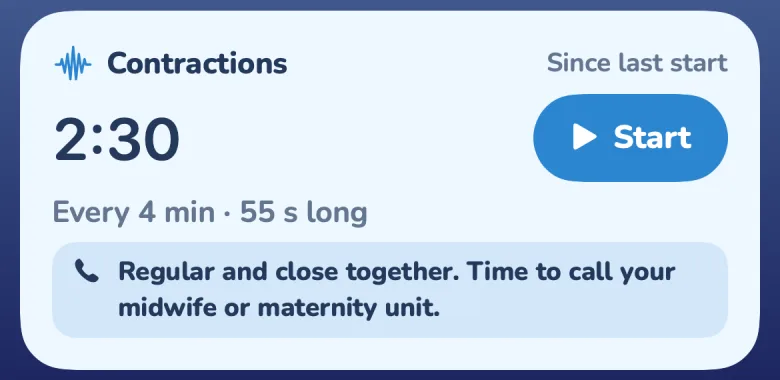
Contractions
Start and Stop without unlocking. When they are regular and close together, it says it is time to call.
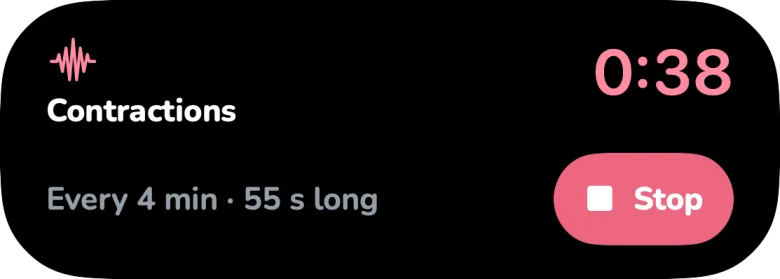

In the Dynamic Island
A glance at the countdown while you use other apps. Press and hold for the buttons.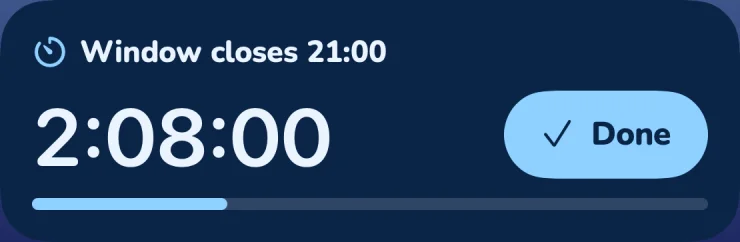
Neutral words, always
No “pill”, “period” or “pregnancy” on the Lock Screen. With discreet mode or a PIN on, titles turn plainer still and the button says “Done”.A dose countdown you can trust at a glance
After you log a painkiller on the pain relief timer, Splash can show when your next dose fits, counting down on your Lock Screen. It never shows the medicine name. When the time comes it says you can take another, and to check how you feel first.
Your mini pill window, with a Taken button
Progestogen-only pills have a short window. The Lock Screen shows how long is left, and you can tap Taken without opening the app. Pill reminders also carry Taken and Snooze buttons in the notification itself.
Contractions, timed with the phone locked
Tap Start and Stop on the Lock Screen or in the Dynamic Island. You see how far apart they are and how long they last. When they look regular and close together, Splash says it is time to call your midwife or maternity unit.
Off until you want it
Each timer has a “Show on Lock Screen” switch where you use it, and all three sit together in Settings, Notifications. A timer appears while it is running, then goes. Splash is not a medical device: follow the dose on the pack and the advice of your pharmacist, midwife or GP.
Questions
Which Splash timers can show on the Lock Screen?
Three: the pain relief timer (when your next dose fits), the mini pill window (with a Taken button) and the contraction timer (with Start and Stop). Each one is off until you switch it on.
Will people see what the timer is for?
The wording is neutral, such as “Next dose” or “Window closes”, and medicine names never appear. With discreet mode or a PIN set, it turns plainer still and the pill button says “Done”.
Does it work on Android or the web app?
Live Activities are an iPhone feature, so they are in the Splash app for iPhone. The timers themselves work everywhere Splash does.
Does the contraction timer tell me when to go in?
When your contractions look regular and close together, it prompts you to call your midwife or maternity unit. Always follow the advice they give you.
More features
- PrivacyYour cycle lives on your phone. Optional sync is end-to-end encrypted.
- Apps and widgetsiPhone with Apple Health, Apple Watch, widgets, Android with Health Connect, and the web.
- Partner sharingShare what you choose with a QR code. Pause or switch it off any time.
- PredictionsPeriod and fertile-window estimates shown as honest ranges.
- InsightsCycle history, patterns, gentle experiments and your yearly Wrapped.
- Doctor reportTurn months of logs into a tidy summary for your GP.
Try lock screen timers in ten seconds.
Live Activities on iPhone: a dose countdown, your mini pill window and a contraction timer. No sign-up: it opens in your browser.
Splash is not contraception and not a medical device. Predictions are estimates.