
On Android now. And any browser.
Get Splash on Google Play, or open the web app in any browser. The iPhone and Apple Watch apps are coming soon to the App Store. No account, free.
In short: Splash works in any browser today: open it in Safari on iPhone or Chrome on Android, then add it to your home screen. It opens full screen, works offline and needs no account. Native iPhone, Apple Watch and Android apps are on their way to the App Store and on Google Play now. It is free.


Splash lives at app.splash.care, our original web address. Add it to your home screen from there and your data stays saved on your phone.
- Open the link in Safari
- Tap Share
- Tap "Add to Home Screen", then Add
- Open the link in Chrome
- Tap the ⋮ menu
- Tap "Install app"
- Open the link in Chrome, Edge or Safari
- Click the install icon (Safari: File, Add to Dock)
- Open it from your Dock or Start menu
On a computer? Point your phone camera here and Splash opens on your phone.
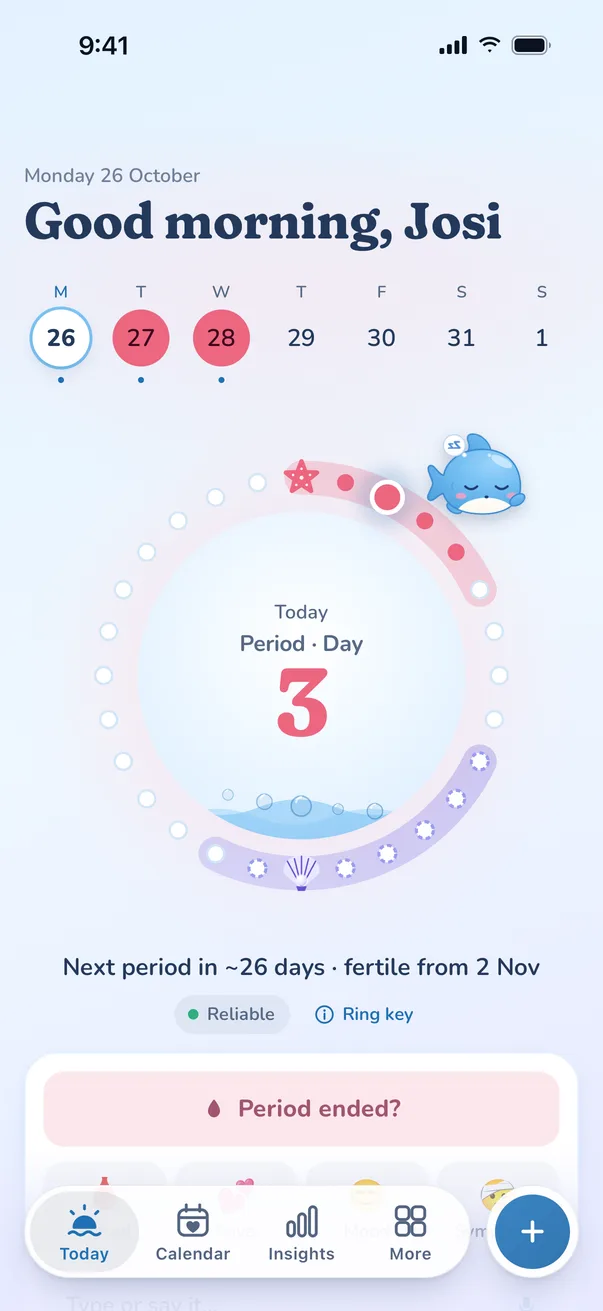
 Splashapp.splash.careSplashapp.splash.careInstall app?Splash · app.splash.care
Splash on your wrist, your home screen, and every browser.
- iPhoneWorks with Apple Health, plus Home Screen and Lock Screen widgets that show your day at a glance.
- Apple WatchA cycle ring on your wrist. Start or end a period, log flow, symptoms and mood, or breathe. Complications for your watch face.
- Android“Your cycle” and “Quick log” widgets, long-press shortcuts, and Health Connect, for temperature from apps like Samsung Health, Fitbit and Oura.
- Any browserOpen Splash in any browser and add it to your home screen. Same Splash, free.

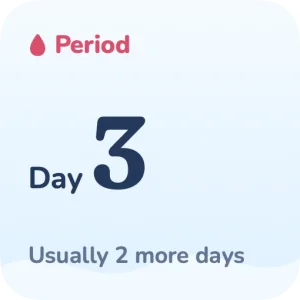

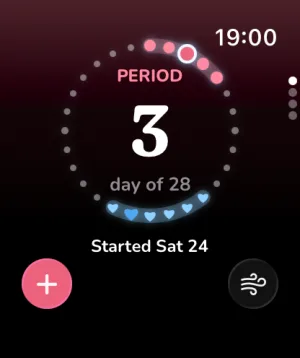
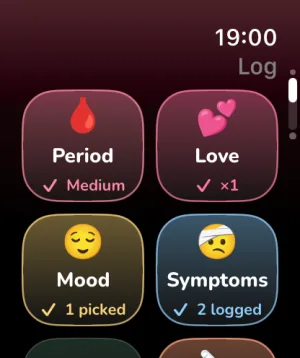
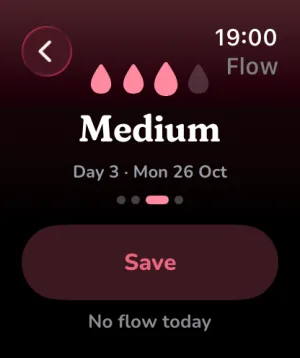
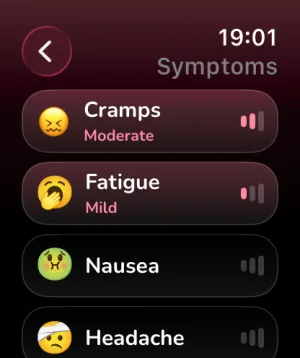
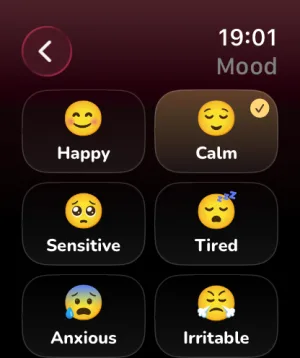
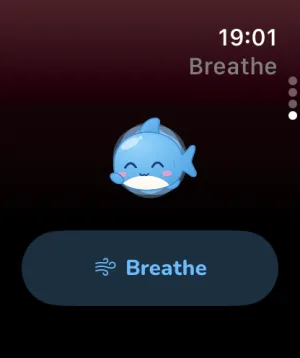
Works offline.
Once it’s on your home screen, Splash opens with no signal, like any other app.
Sends reminders.
Period and pill reminders arrive as normal notifications, neutral by default.
Has its own icon.
It opens full-screen from your home screen, with no browser bars.
Coming from Flo or Clue? Bring your Flo history · Bring your Clue history
Open it on your phone. That’s the whole setup.
Open it on your phone, add it to your home screen, and start logging. No sign-up.