
How to install Splash on a Mac or PC
Install Splash as a desktop app from Chrome, Edge or Safari on macOS Sonoma or later. Or just keep it in a browser tab.
In short: To install Splash on a Mac or PC, open app.splash.care in Chrome or Edge and click the install icon in the address bar, or use Safari’s Add to Dock on a Mac. It then opens in its own window. Your data stays in that browser on that computer.
Splash lives at app.splash.care, our original web address. Add it to your home screen from there and your data stays saved on your phone.
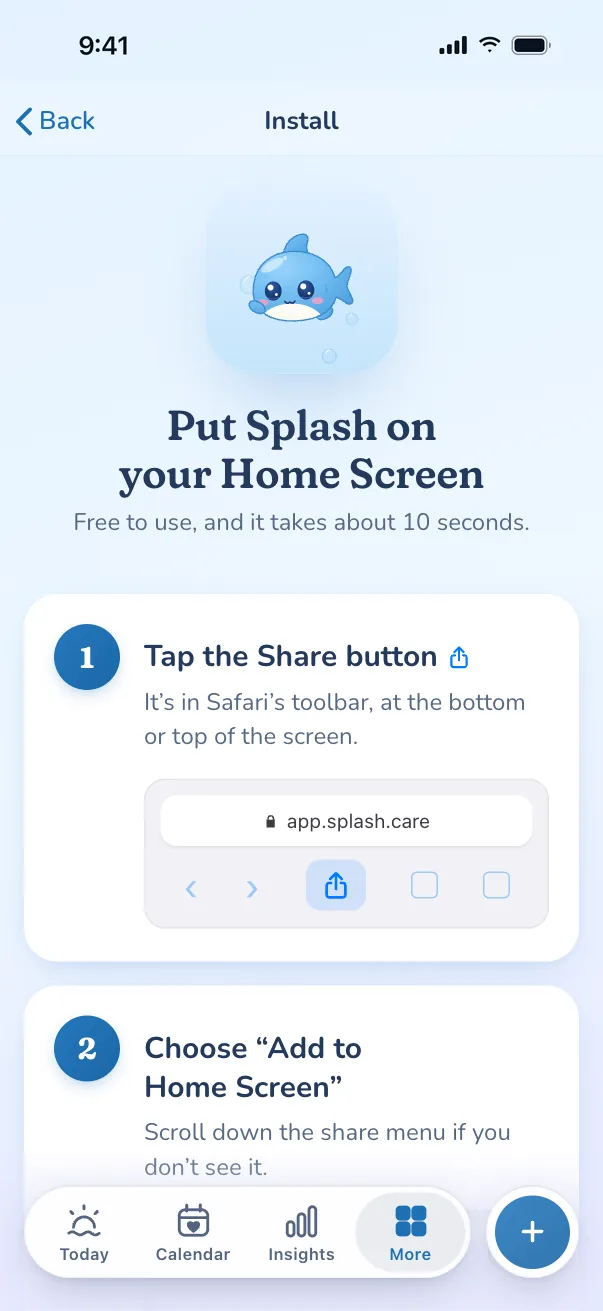
Open Splash
Go to app.splash.care in Chrome, Edge, or Safari on macOS Sonoma or later.
Install it
Chrome and Edge: click the install icon at the right of the address bar. Safari: File, then Add to Dock.
Open it like an app
Splash gets its own window and icon. Your data stays in that browser on that computer.
Using something else? iPhone and iPad or Android. Moving from another tracker? Switch from Flo · Switch from Clue.
That’s all it takes.
Open Splash, add it to your home screen, and it’s yours. No account, no cost.